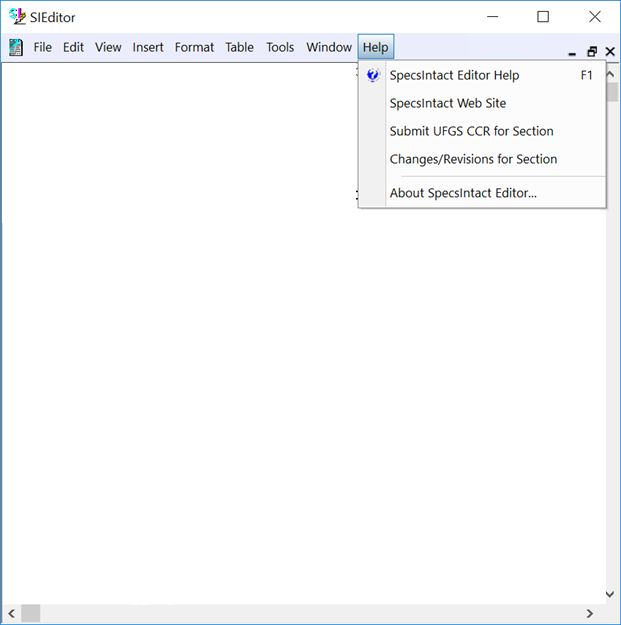
The Help menu provides a variety of commands designed to aid in editing Sections by utilizing the commands below:
 Click the commands on the image below to see how to use each function.
The Help menu provides a variety of commands designed to aid in editing Sections by utilizing the commands below:
Click the commands on the image below to see how to use each function.
Users are encouraged to visit the SpecsIntact Website's Support & Help Center for access to all of our User Tools, including Web-Based Help (containing Troubleshooting, Frequently Asked Questions (FAQs), Technical Notes, and Known Problems), eLearning Modules (video tutorials), and printable Guides.
| CONTACT US: | ||
| 256.895.5505 | ||
| SpecsIntact@usace.army.mil | ||
| SpecsIntact.wbdg.org | ||